A Minecraft Shape Maker is a block geometry planner for builders who want clean curves inside a square block world. Instead of sketching a circle, dome, tower roof, portal frame, or sci-fi ring by hand, you choose a shape and let the tool convert it into Minecraft block coordinates.
Block geometry tool
Minecraft Shape Maker
Use this Minecraft shape maker to design spheres, cones, domes, toruses, spirals, and other block shapes with 3D preview, layer plans, and downloadable build files.
792 blocks total12 stacks + 24 blocks
Downloads for players
Use the layer guide for manual builds, .mcfunction for Java creative/datapack builds, and JSON for raw coordinates.
32 blocks on this layer
Key Features
Built for block-perfect Minecraft geometry
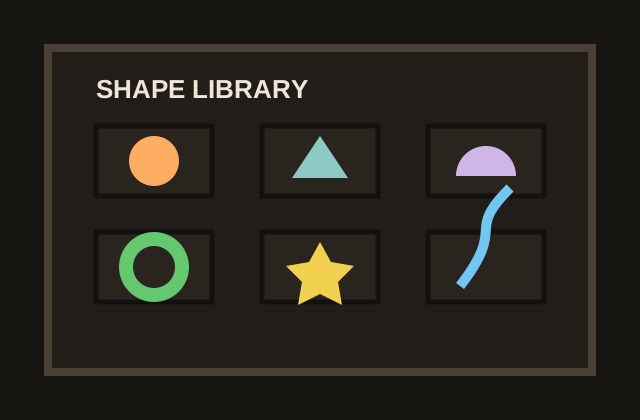
Use the Minecraft Shape Maker to generate spheres, cylinders, cones, domes, toruses, spirals, stars, prisms, pyramids, and more without guessing the curve by eye.
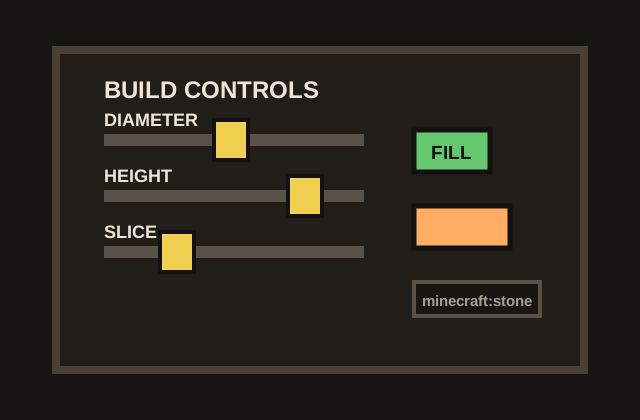
Tune diameter, height, sides, tube diameter, curve factor, fill mode, preview slice, color presets, and Minecraft block ID in the Minecraft Shape Maker control panel.
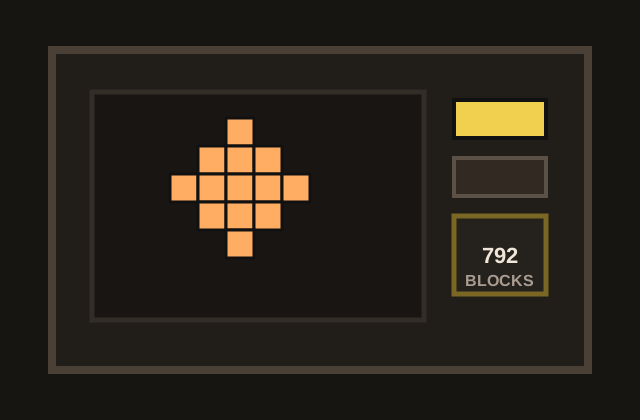
The Minecraft Shape Maker live preview shows the result in 3D before you place blocks, then lets you rotate the model to check proportions, corners, openings, and silhouette from multiple angles.
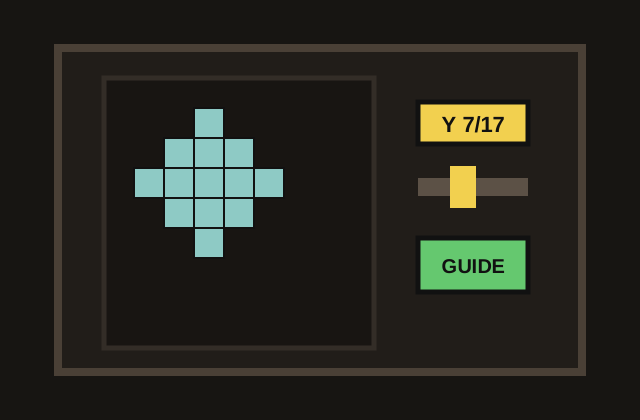
Switch the Minecraft Shape Maker to layer view when you need a practical survival plan. Each Y level becomes a readable grid that shows exactly where blocks should go.
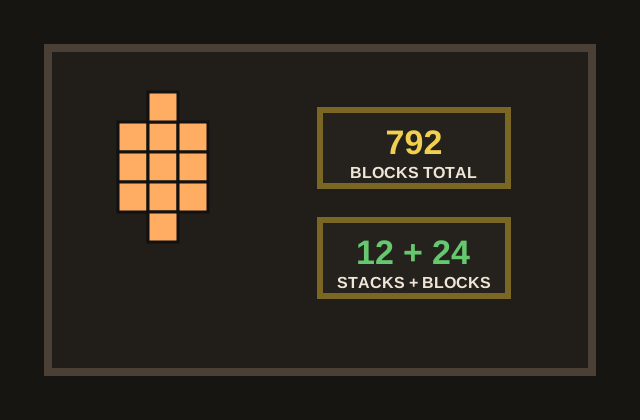
Use the Minecraft Shape Maker to estimate blocks and inventory stacks before you build so you can prepare stone, glass, concrete, or any other material without constant recounting.
Export JSON, a browser-friendly layer guide, or a Java .mcfunction file directly from the Minecraft Shape Maker when you are ready to build or review.
What is it?
What is a Minecraft Shape Maker?
The Minecraft Shape Maker is useful because smooth geometry is one of the hardest things to eyeball in Minecraft. A sphere that looks good from the front can become lumpy from the side, and a circular tower can drift out of alignment after only a few layers. This page gives you a 3D preview first, then a layer-by-layer plan you can follow at your own pace.
Everything runs in the browser after the page loads. The controls create the model locally, the preview draws the blocks on canvas, and the downloads are generated from the same coordinates you see on screen. That makes the Minecraft Shape Maker fast for quick experiments and reliable enough for larger survival or creative builds.
- Clean curves
Use the Minecraft Shape Maker to turn round or sloped ideas into block coordinates without hand-counting every edge.
- Preview first
Use the Minecraft Shape Maker to check the full silhouette before you start collecting blocks or building layers.
- Layer plan
Use the Minecraft Shape Maker one Y level at a time when you want a survival-friendly building guide.
How to use it
How to make a Minecraft sphere, dome, cylinder or spiral
Choose the shape
In the Minecraft Shape Maker, start by selecting the form that matches your build idea. Use Sphere for planets and statues, Cylinder for towers, Dome for roofs, Torus for rings and portals, Cone for roofs or spikes, and Spiral for stairs, shells, or decorative paths.
Tune dimensions and options
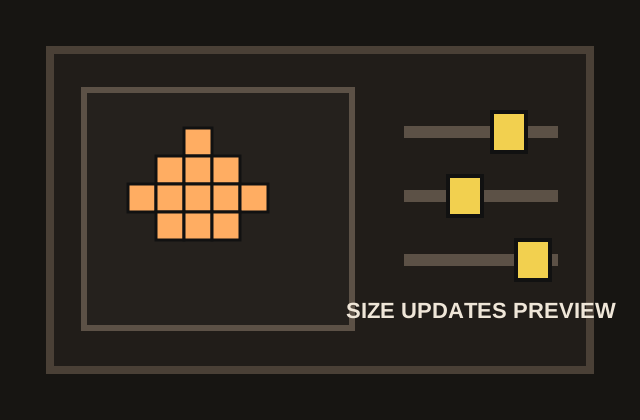
Adjust the measurements in the Minecraft Shape Maker until the preview fits your project. Diameter controls the overall width, height changes vertical scale, sides and curve settings refine special shapes, Filled switches between solid and hollow builds, and the block ID decides what the .mcfunction export will place.
Check 3D and layer views
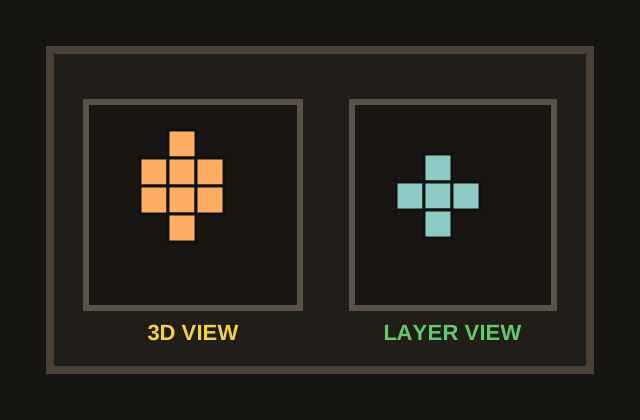
Use the Minecraft Shape Maker 3D view to judge the full silhouette, then switch to layer view when you are ready to build. The layer slider moves through each Y level, making it easier to copy the shape from bottom to top without losing your place.
Export the guide you need
Download the Minecraft Shape Maker layer guide for manual survival building, JSON if you want raw coordinates for another pipeline, or a Java .mcfunction file when you want to preview the structure quickly in a creative world or datapack.
Why use us
Why use this Minecraft Shape Maker?
The Minecraft Shape Maker combines shape generation, live preview, block totals, stack estimates, layer planning, and export options in one browser page, so you do not need to move between a calculator, a drawing grid, and a separate command generator.
The Minecraft Shape Maker is designed for actual building, not just looking at a pretty model. The layer guide turns every curve into a sequence of small decisions: pick a Y level, place the highlighted blocks, move to the next layer, and keep going.
The Minecraft Shape Maker supports both survival and creative workflows. Survival players get material counts and readable grids, while Java creative builders can download a .mcfunction file to place the shape around the current position for fast previewing.
The Minecraft Shape Maker is quick to iterate. Change a diameter, switch from filled to hollow, try a different block ID, or preview a slice, and the model updates locally without installing mods or sending a project file to a server.
The Minecraft Shape Maker keeps the planning view close to the tool controls, so builders can compare shape types, block counts, and exports without losing the settings that produced the result.
The Minecraft Shape Maker makes larger curved builds less risky. You can validate the silhouette, estimate materials, and choose a build method before committing hours of survival or creative work.
When to use it
When should you use a Minecraft shape generator?
Use this Minecraft shape generator and Minecraft Shape Maker when a build needs curves that are hard to estimate by eye: watchtowers, observatories, domes, fantasy roofs, circular arenas, statues, planets, portal frames, spiral staircases, terrain details, fountains, aquariums, and sci-fi megabase parts.
The Minecraft Shape Maker is especially helpful before you commit resources in survival mode. A dome can use far fewer blocks when it is hollow, a sphere can become easier to light when you know the inner volume, and a large circular wall becomes less frustrating when every layer has already been counted.
For creative mode, the Minecraft Shape Maker is a fast prototyping surface. You can check proportions, compare filled and hollow versions, generate a command file, and decide whether the shape deserves a permanent place in your world before spending time decorating it.
- Survival builds
Use the Minecraft Shape Maker to plan material counts and layers before you spend time gathering resources.
- Creative previews
Use the Minecraft Shape Maker to prototype a dome, tower, portal, or ring before decorating the final build.
- Export-ready
Move from Minecraft Shape Maker visual planning to layer guides, JSON, or Java commands when needed.
Export workflow
Which download should Minecraft players use?
- Layer guide HTML: Best for survival builders who want a Minecraft Shape Maker plan they can keep open on a second screen. It breaks the structure into Y levels and keeps the build possible without mods.
- .mcfunction: Best for Minecraft Java Edition creative previewing or datapacks. The Minecraft Shape Maker writes one setblock command per block using relative coordinates, so you can place the generated structure near your current position.
- JSON: Best for developers and future exporters. The Minecraft Shape Maker JSON contains the block coordinates and settings needed for pipelines such as Litematica, WorldEdit schematic, Bedrock structure, or custom build tools.
FAQ
Frequently asked questions
Can I use the Minecraft Shape Maker without mods?
Yes. The Minecraft Shape Maker layer guide is designed for vanilla Minecraft and can be followed by hand. Mods are not required unless you choose to use the exported coordinates with another tool.
Which shapes can I generate?
The Minecraft Shape Maker supports spheres, cylinders, cones, pyramids, domes, prisms, toruses, ogive cones, hyperboloids, stars, and spirals. Each shape exposes the controls that matter for that geometry.
Can I make a hollow sphere or dome?
Yes. In the Minecraft Shape Maker, turn off Filled to generate a hollow shell. Hollow shapes are often better for domes, towers, planet interiors, arenas, and decorative builds where the inside does not need to be solid.
What does Filled do?
Filled keeps the interior blocks of the model. When Filled is off, the Minecraft Shape Maker removes most internal blocks and leaves the outer surface, which usually reduces material cost and makes large builds easier.
What does Preview Slice do?
Preview Slice limits the Minecraft Shape Maker 3D view to the lower part of the model up to a selected Y layer. It helps you inspect how the build grows from the bottom before you switch to the detailed layer guide.
Why does the page show stacks?
Minecraft inventory stacks usually hold 64 blocks. Showing stacks next to the total block count helps survival builders estimate how much material to gather before starting the project.
What is the difference between 3D view and layer view?
3D view is for checking the overall shape, proportions, and silhouette. Layer view is for construction because it shows one horizontal Y level at a time and marks the exact blocks to place.
Which export should survival players use?
Survival players should usually download the Minecraft Shape Maker layer guide HTML. It is easy to read while playing and does not require commands, datapacks, WorldEdit, or server permissions.
Can I export a Java .mcfunction file?
Yes. The Minecraft Shape Maker .mcfunction export writes setblock commands for Minecraft Java Edition. It is useful for creative previewing, datapack experiments, and quickly checking whether a generated shape looks right in-game.
Can this export Litematica or WorldEdit schematic files?
Not yet. The Minecraft Shape Maker JSON export already contains the block coordinates needed for future .litematic, .schem, or Bedrock structure exporters, but those formats are not built into this page today.