A Minecraft enchantment order is the sequence used to combine enchanted books and apply them to an item. The Minecraft enchantments calculator compares those sequences because the same sword or pickaxe can cost very different amounts depending on which books merge first and which side of the anvil each book occupies.
Arnis Tools
Minecraft Enchantment Order Calculator
Use this Minecraft enchantments calculator to plan the optimal order of combining and applying books. Your Minecraft enchantment order minimizes XP cost, prior-work penalties, and Too Expensive! anvil failures.
Anvil Planner
Free Minecraft Enchantments Calculator
Choose your item
Pick the gear you want to finish at the anvil.
Start with an item
Choose a sword, pickaxe, armor piece, bow, trident, mace, or another enchantable item to reveal its compatible enchantments.
Key Features
Minecraft Enchantments Calculator: What Is It and Key Features
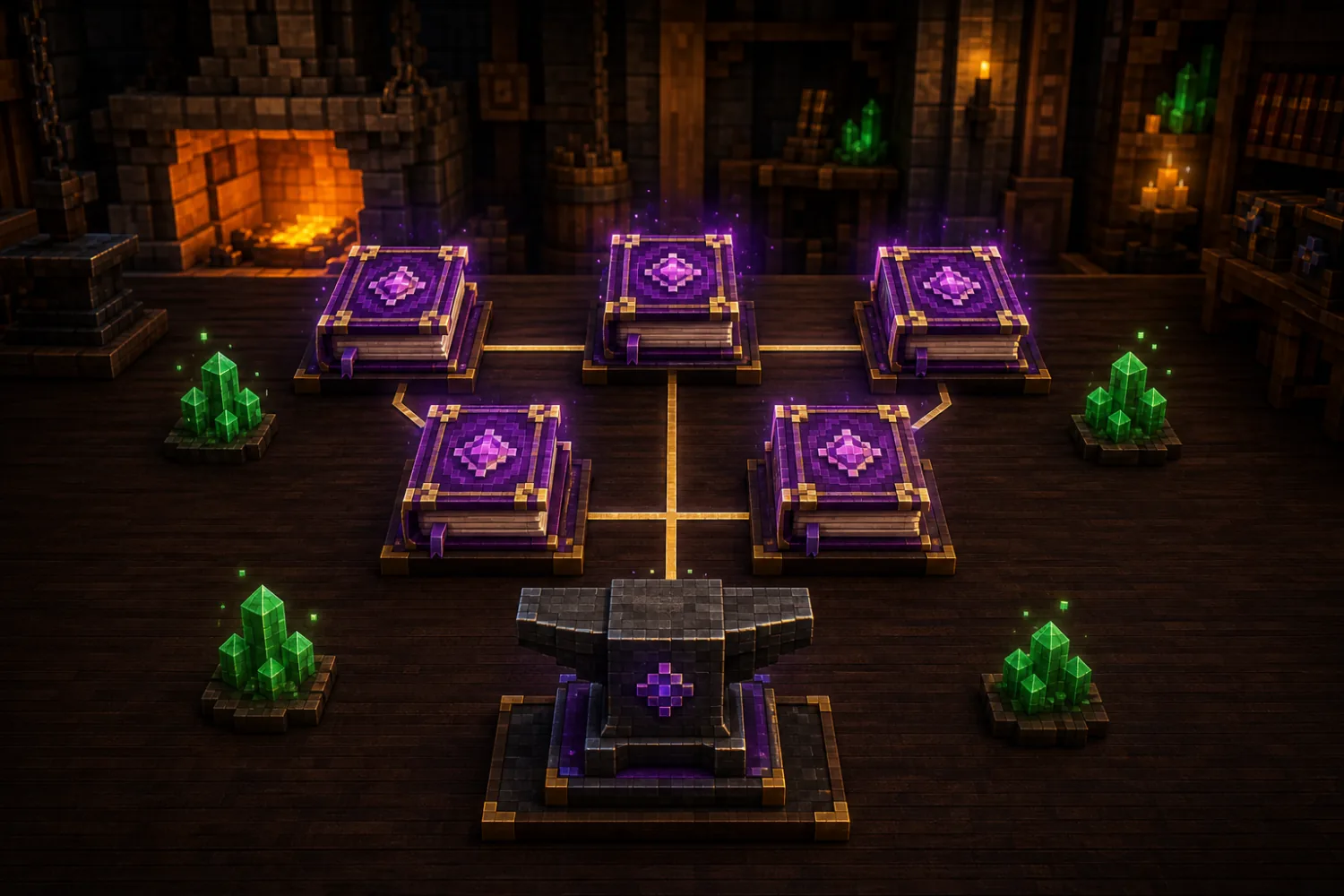
The Minecraft enchantments calculator searches valid book-merge trees and returns a low-cost route for your Minecraft enchantment order.
Build a Minecraft enchantment order from a fresh item or enter current enchantments and previous anvil uses for existing gear.
Switch between minimizing total levels and minimizing the final prior-work penalty when you want more room for future upgrades.
Automatically disable conflicting choices such as Fortune and Silk Touch, Infinity and Mending, or Sharpness and Smite.
Save each Minecraft enchantment order for gear including the mace, brush, crossbow, trident, turtle shell, elytra, and spear.
What is it?
What Is a Minecraft Enchantment Order?
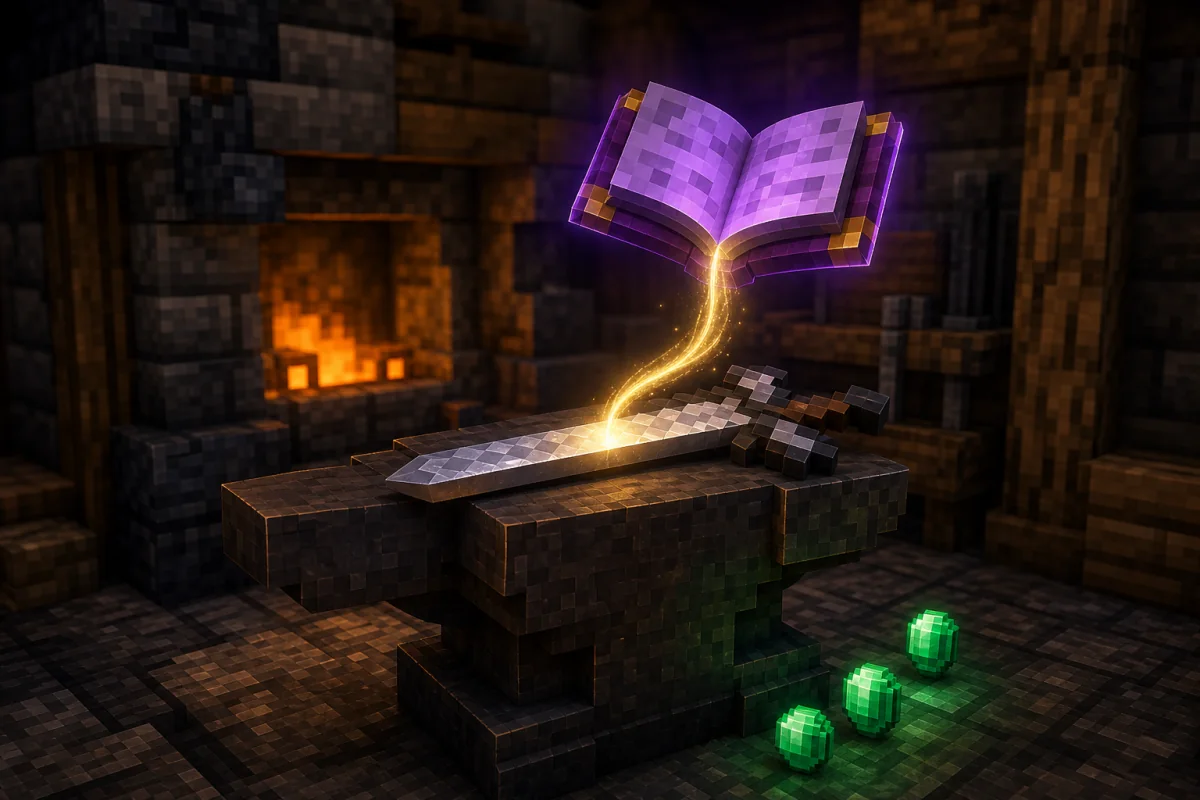
Every Minecraft enchantment order must account for prior work. Minecraft adds a penalty whenever an item or enchanted book passes through an anvil, growing through 0, 1, 3, 7, 15, and 31 levels. A poor route can push one operation above the 39-level survival limit and produce Too Expensive! even when every enchantment is valid.
The Minecraft enchantments calculator evaluates possible combination trees, keeps the cheapest valid candidates, and returns the cheapest Minecraft enchantment order as clear left-slot and right-slot steps. It runs in your browser without a world upload, Minecraft account, mod, or online plugin.
- Avoid Too Expensive
Keep every required survival anvil operation at 39 levels or below.
- Spend fewer levels
Compare valid merge trees and choose the sequence with the lowest cumulative level cost.
- Track prior work
Account for an item that has already been repaired or combined at an anvil.
How to use it
How to Use the Minecraft Enchantments Calculator
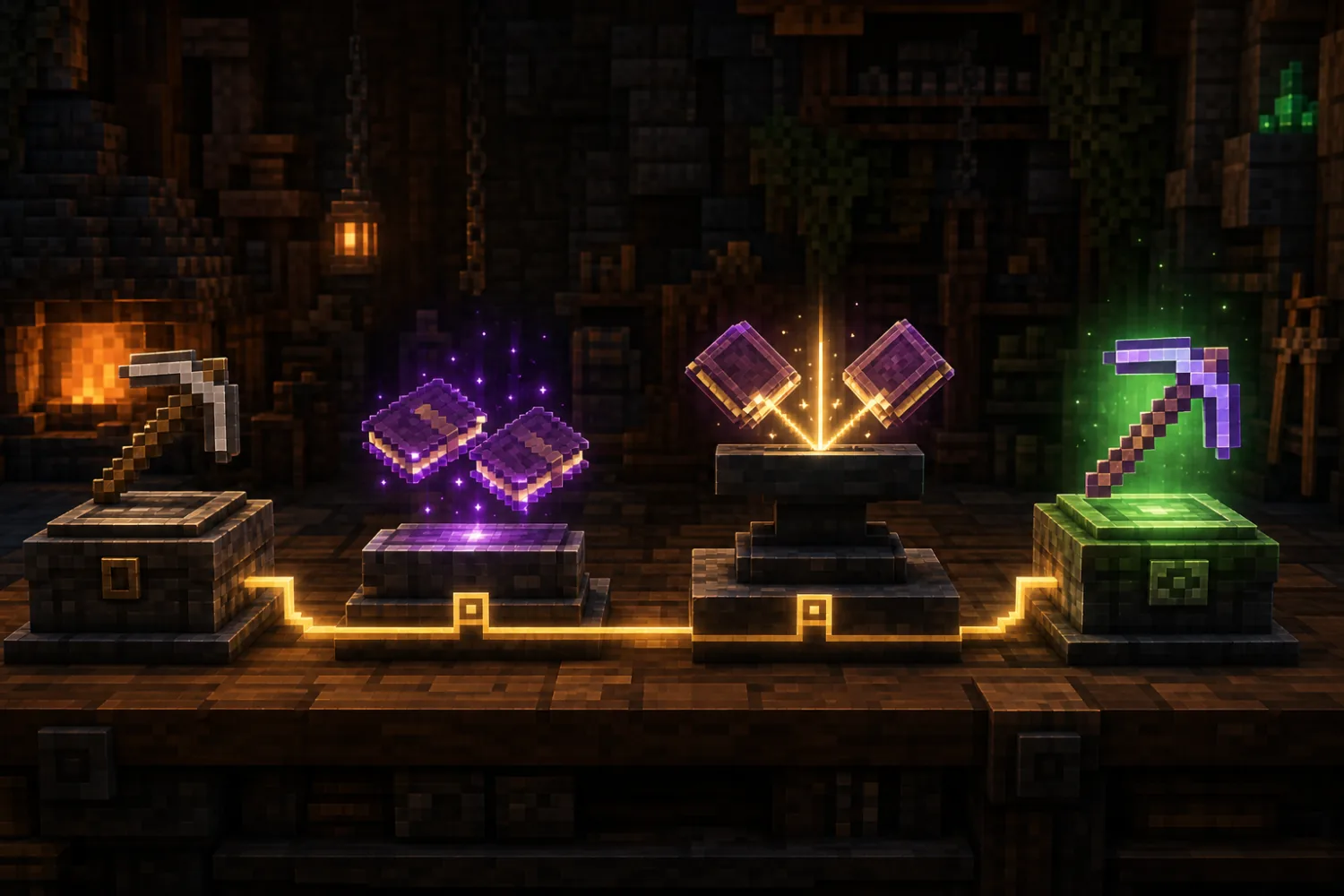
Start your Minecraft enchantment order
Select the sword, armor piece, tool, bow, trident, mace, or other item you want to enchant. The calculator shows only enchantments that apply to that item.
Set books in the Minecraft enchantments calculator
Enter current levels and previous anvil uses, then select the final enchanted books you have or plan to obtain. The Minecraft enchantment order uses that real starting state instead of assuming every item is fresh.
Calculate the cheapest Minecraft enchantment order
Choose the optimization mode, calculate the plan, then perform every merge in order. Keep the listed left item in the first anvil slot and the right item in the second slot.
Why use Arnis
Minecraft Enchantments Calculator Advantages
This Minecraft enchantments calculator explains every merge, respects the books and prior work you already have, and stays readable while you play. Each Minecraft enchantment order runs locally in a background worker, so your selections stay in the browser while the calculator compares valid merge trees.
Sharpness V
Looting III
Mending
Combine books first
Apply to Sword3 ordered anvil steps
Lowest valid costMinecraft enchantment order for existing gear
Set the enchantments and previous anvil uses already on your gear before choosing the books you want to add. The planner carries that history into the calculation instead of treating every sword, tool, or armor piece as fresh. Leave the current-item controls at zero when you are starting from untouched gear.
Minecraft enchantments calculator with exact steps
Every result lists the left slot, right slot, resulting item, level cost, and XP estimate for each operation. That makes every Minecraft enchantment order reproducible at the anvil instead of leaving you with an unexplained score or generic checklist.
Free, private, and version-aware
There is no sign-up, credit balance, or world upload. The calculation stays in your browser and uses an open-source optimization model alongside community enchantment guidance. Edition-specific choices are labeled where they matter, while the FAQ calls out combinations that can change between Minecraft versions.
Best enchantments
Minecraft Enchantment Order vs Enchantment Table Calculator
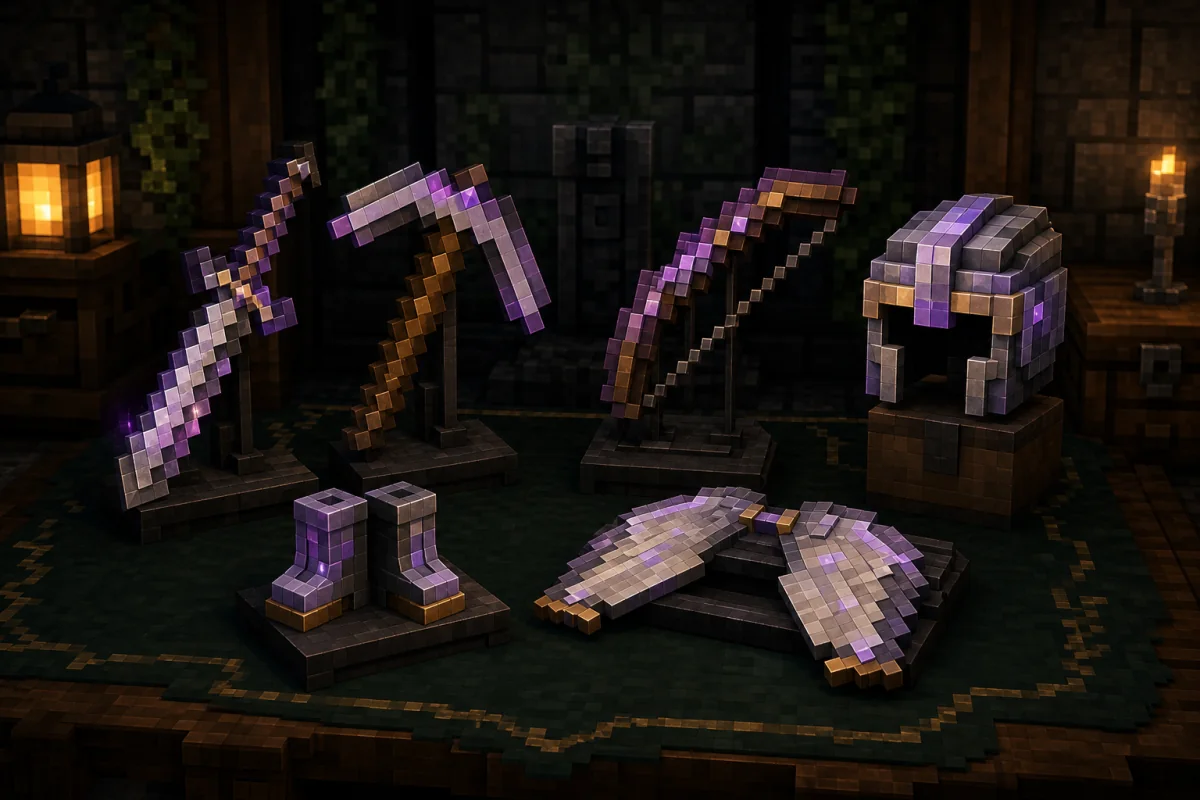
- Calculator scope: A Minecraft enchantments calculator plans anvil book merges for gear you already chose. An enchantment table calculator usually predicts table offers, seeds, or level outcomes instead of minimizing prior-work cost.
- General sword: Sharpness V, Unbreaking III, Mending, Looting III, Sweeping Edge III in Java Edition, plus optional Fire Aspect II and Knockback II. Use Smite V on a separate undead-focused sword.
- Fortune pickaxe: Efficiency V, Unbreaking III, Mending, and Fortune III. Keep a separate Silk Touch pickaxe because Fortune and Silk Touch cannot share the same tool.
- Helmet: Protection IV, Unbreaking III, Mending, Respiration III, and Aqua Affinity, with Thorns III as an optional durability-heavy addition.
- Boots: Protection IV, Feather Falling IV, Unbreaking III, Mending, and Soul Speed III, then choose either Depth Strider III or Frost Walker II.
- Bow: Power V, Unbreaking III, Flame, and Punch II, then choose Infinity or Mending. In current normal survival gameplay, those two enchantments conflict.
Anvil strategy
Minecraft Enchantment Order Tips for Lower XP Cost
Begin with fresh gear and max-level books whenever possible. Combining two low-level books creates a higher-level book that already carries prior work, so the final item reaches expensive penalty tiers sooner.
Follow the left and right order exactly. In Minecraft anvil mechanics, the sacrifice item on the right contributes its enchantment value to the operation cost, so reversing a merge can change the price or make the step impossible.
Treat optional enchantments as real tradeoffs. Thorns consumes extra armor durability, Knockback can make melee chains harder, Fire Aspect can complicate enderman fights, and Silk Touch and Fortune usually belong on separate tools.
- Use final-level books
Villager trading and loot books avoid extra prior work from repeatedly upgrading lower levels.
- Respect slot order
Put the plan's left item in slot one and its right item in slot two.
- Split conflicting tools
Carry separate Fortune and Silk Touch pickaxes or separate Infinity and Mending bows.
FAQ
Minecraft Enchantments Calculator FAQ
Is this a Minecraft enchant calculator or enchantment table calculator?
This page plans anvil book merges. A typical enchanting calculator predicts enchantment-table rolls, while an enchantment table calculator focuses on table seeds or level outcomes. Players searching for ‘enchanting calculator Minecraft’ can use this tool when their real goal is the cheapest order for combining books.
Why does enchantment order matter in Minecraft?
Every anvil operation adds prior work to the resulting item. Because the penalty grows exponentially, combining the same books in a different order can cost fewer levels and keep every step under the 39-level survival limit.
What causes the Too Expensive! message?
In survival mode, an anvil operation that costs 40 levels or more cannot be completed. High enchantment values, repeated anvil use, repairs, and inefficient book merging can all push an operation above that limit.
What does previous anvil uses mean?
It is the number of earlier anvil operations on the base item. The corresponding prior-work penalties are 0, 1, 3, 7, 15, and 31. Do not enter the displayed penalty itself; enter the use count.
Should I optimize for levels or prior work?
Use least total levels when you want the cheapest complete build now. Use least prior-work penalty when keeping more room for later upgrades matters, even if the current sequence costs slightly more.
Can Fortune and Silk Touch go on the same pickaxe?
Not in normal current survival gameplay. They are mutually exclusive, so most players make one Fortune pickaxe for ores and one Silk Touch pickaxe for blocks that must drop themselves.
Can Infinity and Mending go on the same bow?
Not in current normal survival gameplay. Older Java Edition versions briefly allowed the combination, but current players generally need to choose one or use separate bows.
Can I start with lower-level books?
You can, but this calculator assumes the desired books already exist at the levels you select. Creating those books from lower levels adds its own anvil operations and prior-work penalties, so max-level books from trading or loot are safer for heavily enchanted gear.
Does this calculator support already enchanted gear?
Yes. Add the current enchantment levels and the number of previous anvil uses before choosing the higher target levels. The planner keeps current enchantments and includes the base item's prior-work cost.
Does the calculator work for Java and Bedrock Edition?
The planner models the shared anvil ordering and prior-work concepts used by modern Minecraft. Some enchantments, such as Sweeping Edge, are edition-specific, and availability can change by game version.
Is the Minecraft enchantment calculator free?
Yes. The enchantment order calculator is free to use, with no account, credits, subscription, or paywall required. Choose your item and books, calculate a plan, and repeat the process for as many gear sets as you need.
Are my item and enchantment selections uploaded?
The planner calculation itself runs in your browser, including its background optimization work. It does not require you to upload a Minecraft world, inventory file, account, or server data in order to create an enchantment plan.
Is this an official Minecraft tool?
No. Arnis is an independent tool site and is not associated with Mojang or Microsoft. Minecraft names are used only to describe compatibility and gameplay concepts.
Free anvil planner
Build Your Minecraft Enchantment Order Before Spending Levels
Choose your gear, add existing enchantments and prior work, then select the books you want for the final build. Calculate the route and keep the ordered steps open on a second screen while you use the anvil in Minecraft.
- Free to use
- No sign-up required
- Runs in your browser