Batch project matching
Minecraft Mod Updater matches up to 200 files in one batch. Browser-side SHA-512 and SHA-1 hashes identify Modrinth projects even when jar filenames are abbreviated, renamed, or filled with version labels.
Free Minecraft Java tool
Use Minecraft Mod Updater to add your current mods, choose a Minecraft version and loader, and find compatible Modrinth releases in one batch.
Target environment
Add individual mods or import a Modrinth pack index.
Choose files.jar, .mrpack, Modrinth .json, and complete .zip packs · up to 200 itemsRaw files never leave your browser. Arnis sends only file hashes, project IDs, and your target settings to its Modrinth gateway.
Review each match before downloading
Choose a target, add your current files, and start the compatibility check.
Built for large mod folders
Minecraft Mod Updater matches up to 200 files in one batch. Browser-side SHA-512 and SHA-1 hashes identify Modrinth projects even when jar filenames are abbreviated, renamed, or filled with version labels.
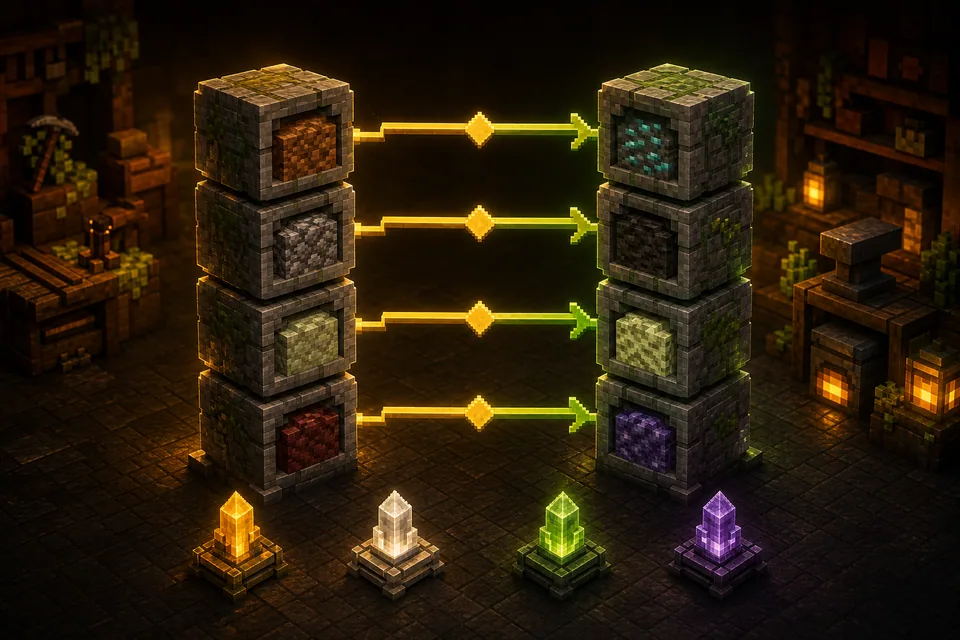
Choose the exact Minecraft version, Fabric, Forge, NeoForge, or Quilt loader, and Release, Beta, or Alpha channel. Minecraft Mod Updater shows recent files only when they match that target environment.
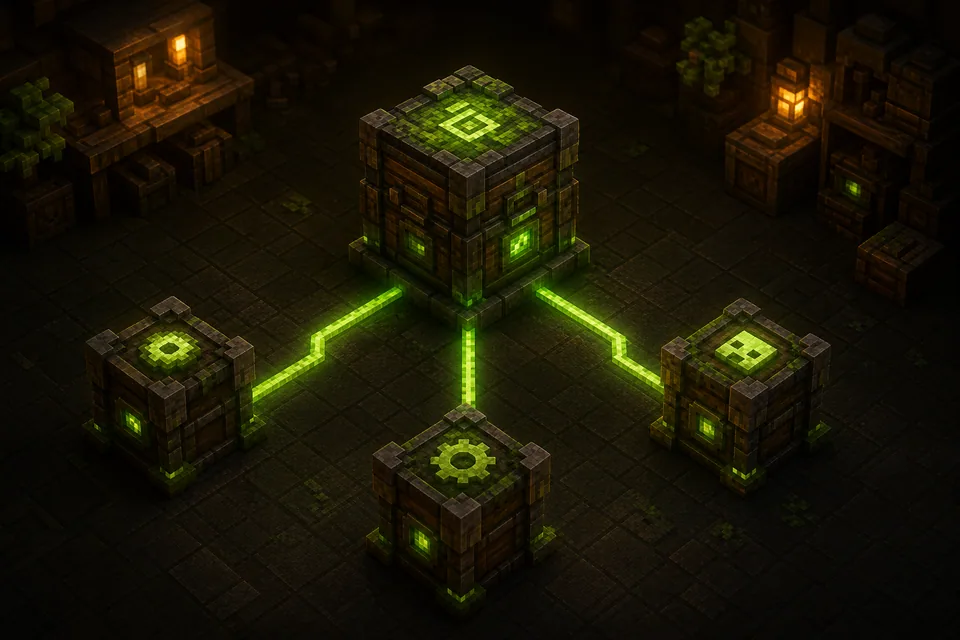
Minecraft Mod Updater shows required dependencies for each selected release and applies the same version, loader, and channel rules, helping you catch missing APIs before launch testing.
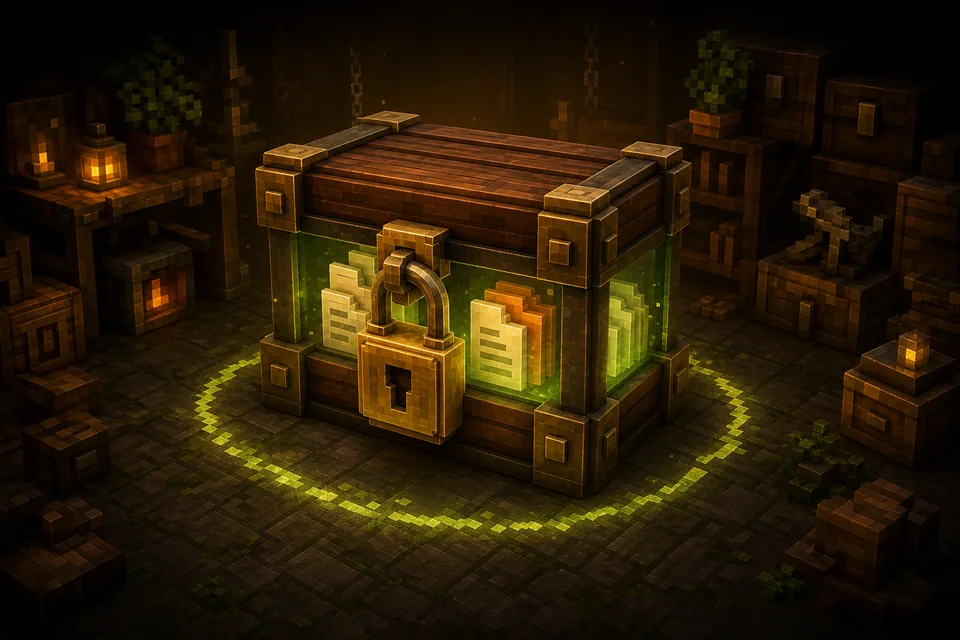
With Minecraft Mod Updater, files are hashed and manifests read locally in a browser worker. Only hashes, project or version IDs, and target settings reach the gateway; downloads and reports stay under your control.
How it works
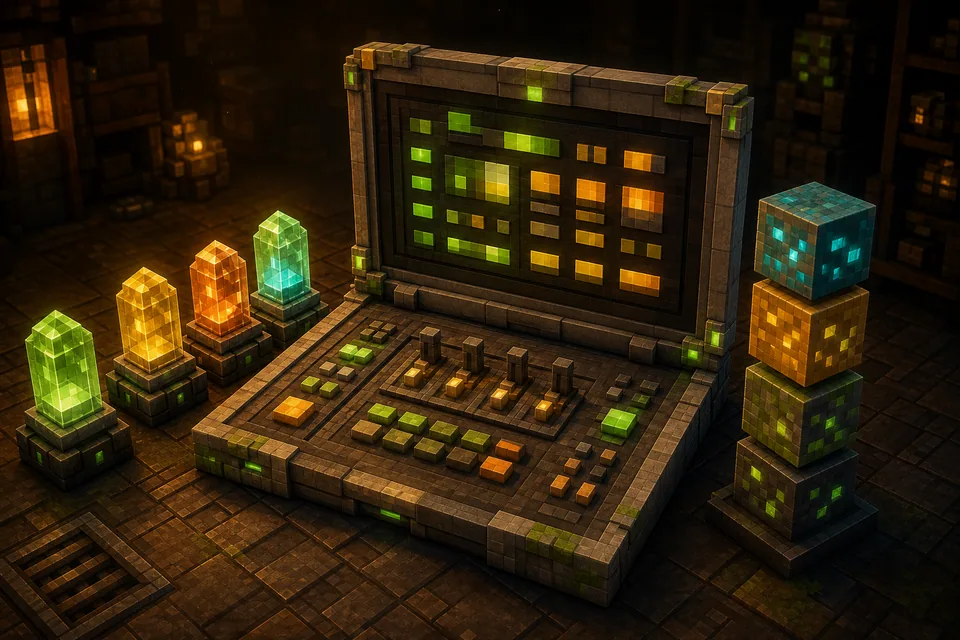
In Minecraft Mod Updater, choose the target Minecraft version and loader. Include Beta or Alpha only when you are testing experimental builds.
Give Minecraft Mod Updater your .jar, .mrpack, Modrinth .json, or complete .zip files. Hashing stays local, and ZIP contents are not scanned recursively.
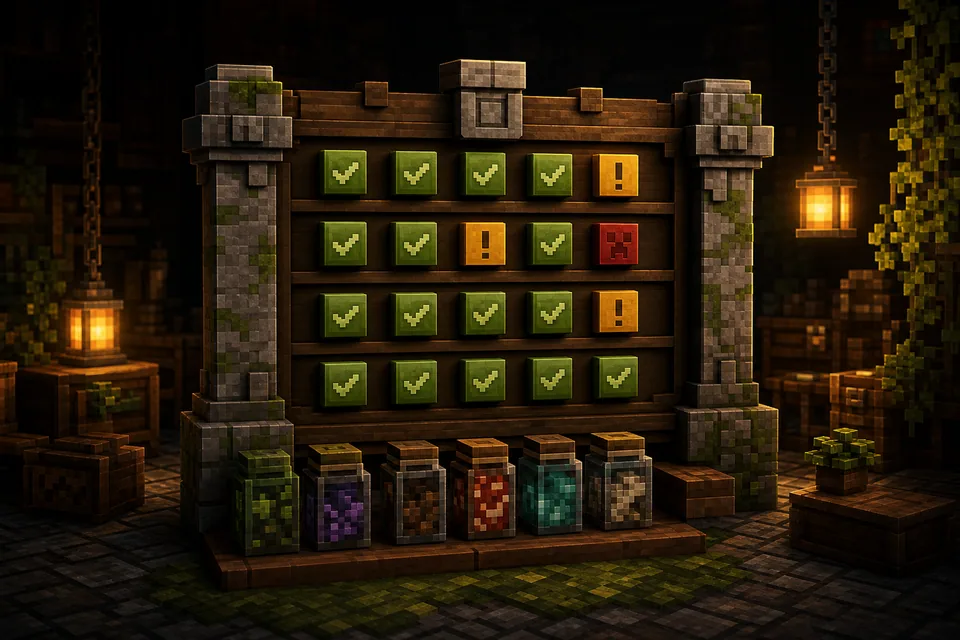
Let Minecraft Mod Updater compare the recommended file, status, channel, and changelog. Use manual Modrinth search when a hash cannot identify the project.
Use Minecraft Mod Updater to download reviewed Modrinth files and dependencies. Export JSON or CSV for a reusable modpack or server checklist.
Why use this updater
Minecraft Mod Updater puts identified, compatible, already-current, and unresolved projects in one inventory. Even a 150-mod folder becomes easier to estimate before you alter a working instance.
Minecraft Mod Updater compares version and loader coverage without deleting jars or changing a launcher profile, so you can replace a missing mod, delay migration, or keep the current stack.
Minecraft Mod Updater exports matched projects, statuses, versions, and links as JSON or CSV. Pack teams can review the report alongside backups, configuration changes, and staging tests.
Clear expectations
A Minecraft Mod Updater is a compatibility lookup tool for an existing Java Edition collection. It starts from the files or Modrinth pack manifest you already use, identifies the related Modrinth projects, and asks a practical question: which author-published files match the Minecraft version, mod loader, and release channels selected for the next instance? The result is an update inventory that can be reviewed before any files are replaced.
Minecraft Mod Updater is most useful during real maintenance work. A player may want to move a 1.20.1 Forge world to a newer release, a pack maintainer may be comparing Fabric and NeoForge coverage, or a server administrator may be preparing matching client and server folders. People searching for minecraft mods java often need this kind of inventory before changing an instance. The tool groups compatible, unavailable, already-current, and unidentified items while leaving final testing to the user.
Minecraft Mod Updater treats loader migration as finding another loader build that the original author has already released. It does not translate Forge source code into Fabric, rewrite Mixins, replace APIs, convert configuration files, or guarantee that worlds and saves remain compatible. If a project has no file for the selected loader and Minecraft version, the result reports the gap so you can keep the current environment, find an alternative, or remove that feature from the planned pack.
Minecraft Mod Updater V1 uses Modrinth data only. CurseForge manifests and downloads, Bedrock add-ons, Marketplace content, recursive ZIP scanning, launcher integration, automatic dependency installation, configuration migration, local mods-folder replacement, game startup testing, and crash diagnosis remain outside the tool. Searches for minecraft mods bedrock refer to a different add-on ecosystem that this Java Edition workflow does not process. Always back up and test a copied instance before upgrading a world or production server.
Frequently asked questions
No. Minecraft Mod Updater reads individual files in a browser worker and converts them into SHA-512 and SHA-1 hashes on your device. A Modrinth pack contributes hashes from its index. Arnis sends only those hashes, project or version IDs, and the target Minecraft, loader, and channel settings through a restricted gateway. The original jar, mrpack, JSON, and ZIP contents are not uploaded.
V1 accepts individual .jar mods, Modrinth .mrpack files, Modrinth index .json files, and complete .zip resource packs or shaders. A jar or ZIP is matched as one published file. An mrpack or index JSON contributes the entries recorded in its Modrinth manifest. ZIP files are not recursively searched for embedded jars, and CurseForge manifest JSON is not accepted.
Published Modrinth files include cryptographic hashes. Minecraft Mod Updater calculates the same hashes for a selected local file and asks Modrinth whether that exact file is known. This is more reliable than guessing from a filename, but identification still depends on the local file being identical to a Modrinth release. Modified, repackaged, private, self-built, or CurseForge-only files may not match.
The target loader selector supports Fabric, Forge, NeoForge, and Quilt. A loader choice only filters files that authors have published with the corresponding Modrinth loader metadata. It does not make loaders interchangeable. Projects may support several loaders, support them on different schedules, or provide one loader only for certain Minecraft versions, so review each result before planning a switch.
No. It can only locate another loader build when the project author has already published one for the selected Minecraft version. It cannot port Java source code, rewrite Forge or Fabric APIs, convert Mixins, migrate configuration formats, or repair world data. A missing target-loader result is a planning signal, not a file that the updater can manufacture.
Not in V1. Minecraft Mod Updater gets project matching, version lists, changelogs, dependency declarations, and downloads from Modrinth. A project that exists only on CurseForge may appear as unidentified, and a CurseForge pack manifest is rejected rather than partially interpreted. Keeping one explicit data source avoids mixed results whose identifiers and download rules follow different workflows.
After target versions are selected, the tool reads required dependencies declared in their Modrinth metadata and looks for files that follow the same Minecraft version, loader, and accepted-channel settings. Dependencies are shown separately so you can review them before downloading. Optional, embedded, or incompatible relationships are not treated as automatic installs, and runtime testing is still necessary.
Use Release-only results when you want the most conservative inventory. Enable Beta or Alpha when authors have not yet published a stable file for a new Minecraft version and you are comfortable testing experimental builds. A release label describes the author's publication channel; it is not a guarantee of stability, world safety, cross-mod compatibility, or server readiness.
The item is marked as not identified instead of being assigned to a project based on a weak filename guess. You can open manual Modrinth search, inspect the candidates, and assign the correct project before loading its compatible versions. A file may remain unmatched when it was modified, built privately, downloaded from another platform, removed from Modrinth, or never published there.
No. Minecraft Mod Updater returns downloads to your browser and never edits your existing instance. You decide which files to save, where to place them, and whether an old jar should be removed. This review step helps prevent changes to the wrong launcher profile, but you remain responsible for backups, duplicate-file cleanup, configuration changes, and launch testing.
A .mrpack or Modrinth index can be imported as a convenient list of published file hashes, allowing its recorded projects to be checked against a new target. The tool does not rebuild or republish the pack, rewrite overrides, preserve pack-specific version rules, or generate a replacement mrpack. Treat the exported JSON or CSV as a maintenance report for a manual pack update.
Minecraft Mod Updater can check a resource pack or shader when it is supplied as a complete ZIP matching a published Modrinth file, or when it appears in a Modrinth pack index. The ZIP is hashed as a whole and is not opened to discover unrelated contents. Compatibility still depends on project metadata and may involve requirements that differ from normal Java mods.
No. The result confirms that a project published a file with matching Modrinth metadata; it cannot prove compatibility with every other mod, configuration, Java version, launcher, world, or server plugin in your setup. Read changelogs and project instructions, back up saves, create a copied test instance, and run the game before replacing a working production environment.
Minecraft Mod Updater can be used without an Arnis account or a tool fee. Downloaded files remain the work of their respective mod, resource-pack, or shader authors and are served from official Modrinth file URLs. Their licenses and redistribution rules still apply. The tool helps locate releases; it does not grant permission to republish files or include them in a public modpack.
Minecraft Mod Updater supports Java Edition files and Modrinth pack indexes. The search phrase minecraft mods java usually refers to the .jar projects handled here. The phrase minecraft mods bedrock generally refers to Bedrock Add-ons, behavior packs, resource packs, or Marketplace content, which this updater does not migrate or install.
Ready for the next instance
Minecraft Mod Updater creates a practical compatibility inventory so you can decide whether the new version or loader is worth the migration.