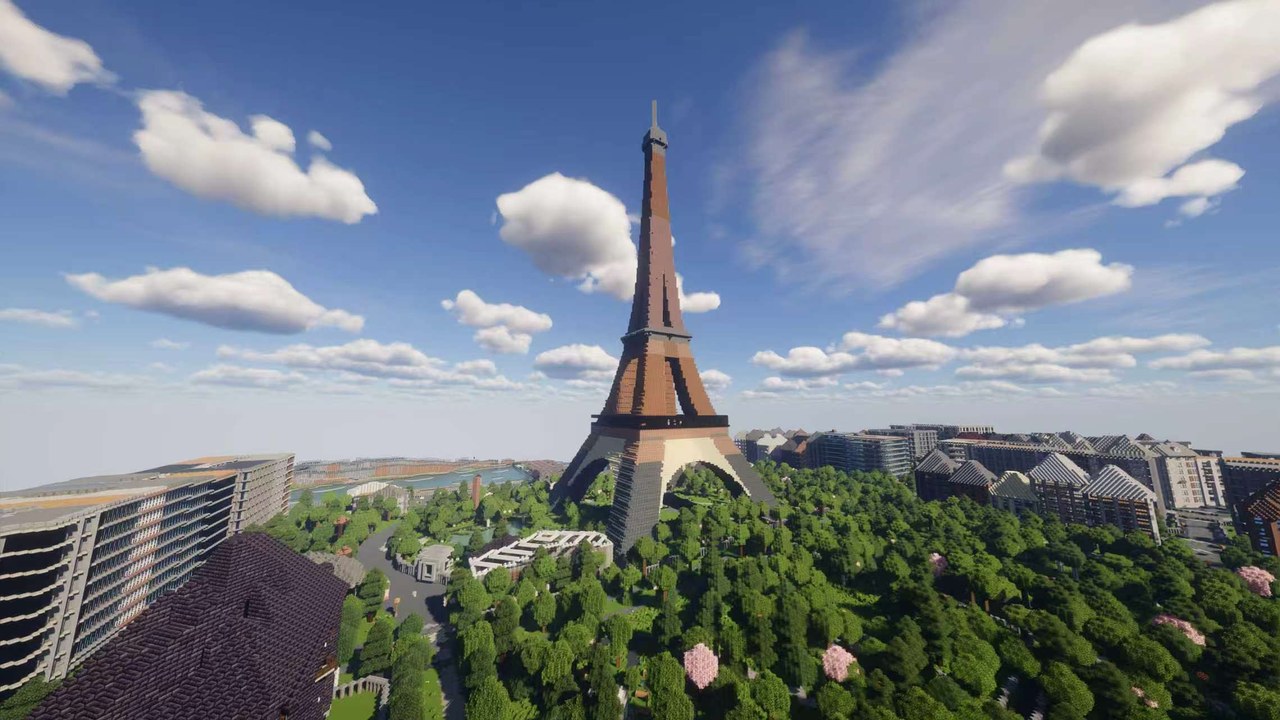
City map · Java + Bedrock

Giza Minecraft Map|Turn Real Maps into Minecraft Worlds

Egypt 8.9K downloads 20 km²Updated Jul 15, 2026

Build your next Minecraft adventure around the Giza Plateau. This 20 km² world is centered on the Great Pyramid area and combines monumental landmarks, open desert, roads, and the edge of the modern city into one highly playable map. The contrast between dense development and exposed terrain gives players clear zones for exploration, settlement, and large-scale construction while keeping the pyramids as the visual anchor. You can Download Giza Minecraft Map for free and keep an untouched source world before starting a survival season, public server, classroom activity, or long-term build.

Turn the plateau into an archaeology server where teams search for chambers, catalog relics, and protect excavation sites. Use the pyramids as puzzle dungeons, build a museum and trading district near the city edge, or create caravan routes between desert outposts. Open ground is perfect for survival compounds, camel-inspired transport builds, PvP arenas, and massive redstone projects that would feel cramped in a dense city. At night, the isolated monuments also create a strong setting for horror maps and undead survival events. The Giza Minecraft Bedrock Map for free supplies the MCWorld edition for compatible consoles, phones, tablets, and Windows devices while preserving the same mapped area.

Creative builders can reconstruct ancient complexes, add temples and processional routes, or imagine a futuristic desert capital growing around preserved monuments. Faction servers can assign the plateau, city, and outlying desert to different groups, with roads and supply lines becoming strategic objectives. Content creators can use the recognizable geometry and warm terrain for cinematic flyovers, historical comparisons, and transformation timelapses. The map provides enough real structure to feel grounded without deciding the story for you. The Giza Minecraft Java Map for free supplies the ZIP edition for desktop players, private servers, modded play, creative planning, and repeatable adventure testing.

Arnis generates the world from public geographic, building, land-cover, and terrain data. The result is a practical Minecraft foundation rather than a museum-perfect replica, so builders should expect to finish interiors and refine landmark details. One unlock includes Java and Bedrock editions. Download this Minecraft world, import your preferred format, and turn one of the world's most recognizable landscapes into a multiplayer expedition, a historical build project, or a desert survival challenge.

A server can make the desert meaningful by limiting safe water, creating protected caravan stops, and placing excavation permits or quest rewards at the city edge. New players might begin as assistants at a museum, then earn equipment for longer trips across the plateau. Builders can collaborate on camp infrastructure while explorers search for marked dig sites and puzzle entrances. Clear sightlines help groups navigate by monuments rather than coordinates, and the contrast between settlement and open ground makes each completed road, wall, and shelter visibly important.

Keep a clean backup of the download before adding tombs, traps, or extensive interiors. Adventure authors can then maintain a build copy and a separate play-test copy so secrets remain controlled. Historical groups may use reference material to refine causeways and temples, while fantasy builders can introduce magical chambers, lost kingdoms, or science-fiction structures beneath the sand. The map supplies the scale and geographic relationship between monuments and surrounding terrain; your project supplies the inhabitants, rules, discoveries, and atmosphere that turn that foundation into a memorable Minecraft world. Open the world at sunset, set your first camp in the shadow of the plateau, and give every expedition a mystery worth bringing back to the city. Download it and start exploring today.
Inside the world

What’s included in the Giza world

01

Great Pyramid area

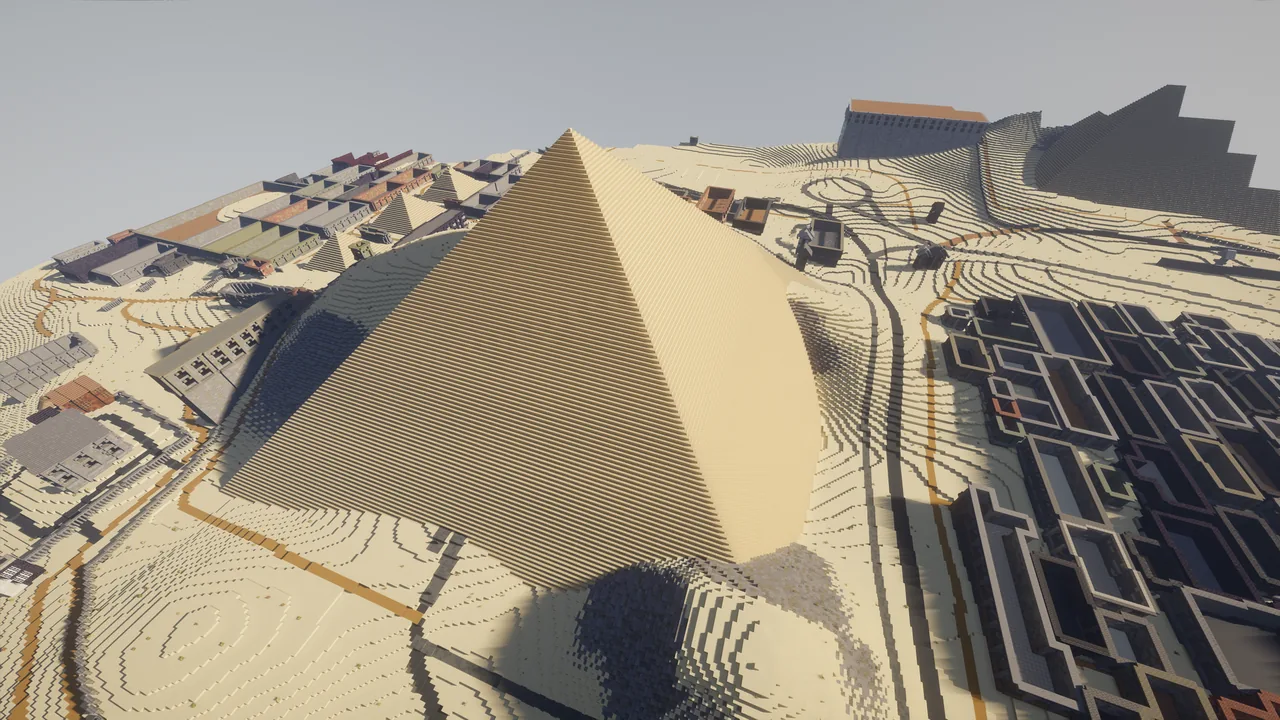
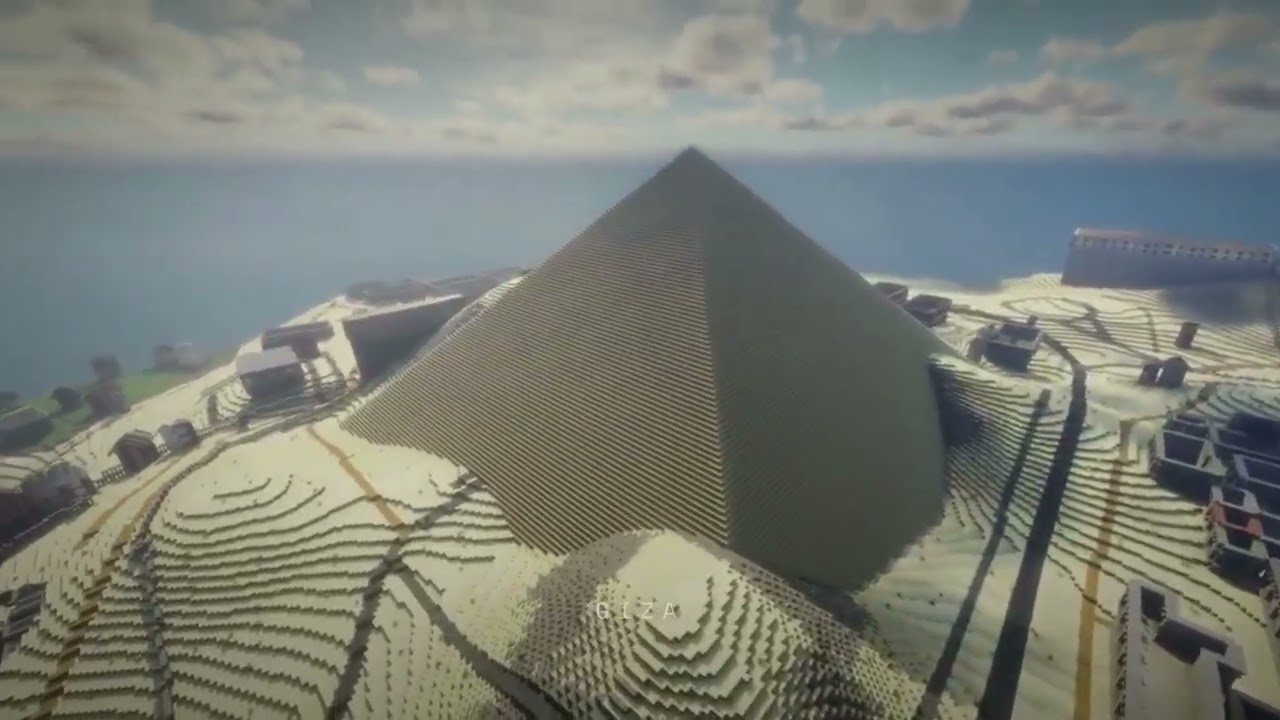
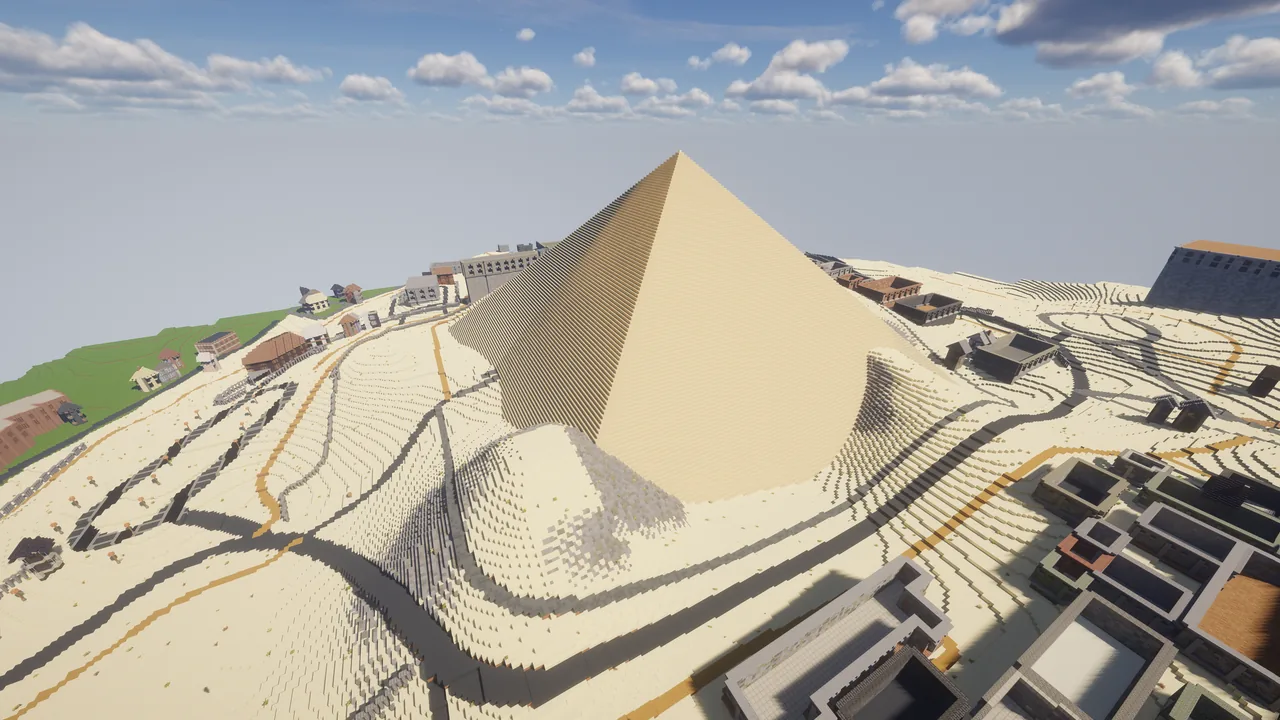
The Great Pyramid is the visual anchor of the world and gives players an unmistakable destination from the moment they reach the plateau. It can become a puzzle dungeon, protected monument, faction capital, museum centerpiece, or the entrance to a custom underground adventure. When you Download Giza Minecraft Map for free, this location is ready to become an early waypoint, shared objective, or recognizable meeting place for your group.

Great Pyramid area · Giza Minecraft
02

Giza Plateau

The plateau provides broad open terrain around the monuments, creating space for excavation camps, caravan routes, defensive walls, and large redstone builds. Clear sightlines make every new road, shelter, and outpost visible against the landscape and easy for players to navigate. The Giza Minecraft Bedrock Map for free keeps this part of Giza connected to nearby roads, terrain, and water instead of isolating it as a standalone build.

Giza Plateau · Giza Minecraft
03

Pyramid complexes and causeway routes

Mapped structures and connecting routes give historical builders a practical framework for restoration. Adventure creators can add chambers, traps, relic hunts, and processional paths while preserving the geographic relationship between monuments instead of placing isolated pyramids in random desert terrain. The Giza Minecraft Java Map for free keeps the same geographic relationship available for server routes, restoration work, exploration challenges, and detailed creative additions.

Pyramid complexes and causeway routes · Giza Minecraft
04

Desert and modern city edge

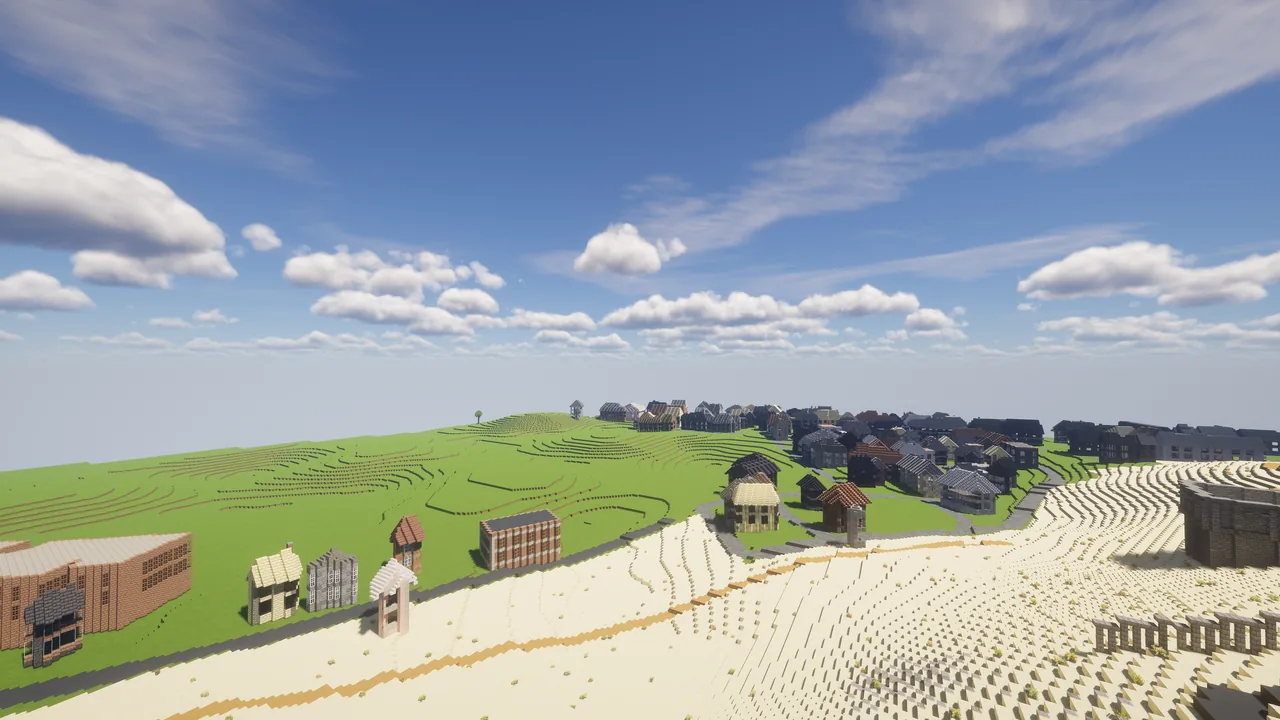
The transition between open plateau and denser development creates two distinct play zones. Use the city edge for museums, markets, housing, and supplies, then make the desert a higher-risk area for expeditions, archaeology quests, survival camps, and nighttime events.

Desert and modern city edge · Giza Minecraft

Plus mapped streets, buildings, land cover, water, and terrain elevation converted from open geographic data. Java and Bedrock editions are both included.

What makes Giza special in Minecraft

  • Monuments remain visible across open ground, allowing players to navigate by landmarks instead of coordinates. The Giza Minecraft map keeps that real-world relationship visible during normal play.
  • The contrast between city edge and desert naturally separates safe services from expedition gameplay. This gives the Giza Minecraft map a useful landmark for navigation and group planning.
  • Wide plateau terrain supports large collaborative builds without losing the identity of the real location. The Giza Minecraft map can turn this feature into a route, objective, or shared build.
  • Pyramid geometry is ideal for puzzle dungeons, archaeology stories, cinematic tours, and historical restoration. That variety helps the Giza Minecraft map support more than one style of play.

How to use this map

1

Choose your edition

Select the Java ZIP for Minecraft Java Edition or the Bedrock MCWorld file for a Bedrock-supported device. Both editions are included with the download. Keep the Giza Minecraft map as a clean master copy before importing it into an active game or server. Use Download Giza Minecraft Map for free when you need a fresh source world for another device, server, class, or separate creative project.

2

Import the world

Extract the Java ZIP into your Minecraft saves folder, or open the MCWorld file and let Bedrock Edition import the world automatically. Test the Giza Minecraft map in the correct edition before adding resource packs, plugins, commands, or major terrain edits. The Giza Minecraft Bedrock Map for free should be opened through the compatible Bedrock import flow rather than extracted like a desktop ZIP archive.

3

Launch Minecraft & play

Open Minecraft, choose the imported Giza world, and keep a clean backup before you begin building, exploring, or inviting players to a server. Open the Giza Minecraft map once to confirm the spawn area, mapped boundaries, and edition compatibility before inviting other players. The Giza Minecraft Java Map for free should remain inside its world folder after extraction so Minecraft can recognize the save correctly.

Frequently asked questions

What is included in the Giza Minecraft world?

The download includes both a Java Edition ZIP and a Bedrock Edition MCWorld for the same 20 km² mapped area. Roads, building footprints, water, land cover, and terrain are generated from open geographic data, with room for players to complete interiors and fine architectural details. Use the page download controls to Download Giza Minecraft Map for free, then preserve one clean copy before changing structures, interiors, terrain, or gameplay rules. A backup of the Giza Minecraft map lets you restart a project without losing the original streets, structures, water, and terrain.

How do I import the world into Minecraft?

For Java Edition, extract the ZIP and place the world folder inside your Minecraft saves directory. For Bedrock Edition, open the MCWorld file and Minecraft should import it automatically. Keep an untouched backup before installing mods or making major edits. Choose the Giza Minecraft Bedrock Map for free for the MCWorld import flow on a compatible Bedrock device and retain a backup before opening it. The Giza Minecraft map does not require mods, although optional tools can help with building, lighting, transport, and server management.

Do I need any mods to play?

No mods are required for the included world files. You can open the map in the matching standard Java or Bedrock edition. Optional shaders, resource packs, server plugins, and building tools may improve presentation or editing, but they are not necessary to explore the world. Choose the Giza Minecraft Java Map for free for the desktop ZIP workflow and extract the world into the saves folder used by your Java installation. Use the Giza Minecraft map as the shared geographic base when comparing Java and Bedrock copies with the same group.

How much of Giza does this map cover?

The download covers 20 km² around the Great Pyramid and Giza Plateau, including pyramid complexes, desert terrain, mapped roads, nearby development, elevation, and the transition between the plateau and city edge. Each Giza Minecraft map remains editable, so builders can finish interiors, refine landmarks, and adapt the world to their own rules.

Do the pyramids contain complete tomb puzzles?

The geographic world is a foundation rather than a finished adventure map. Pyramid forms and mapped surroundings are included, while custom chambers, traps, loot, NPCs, and puzzle logic can be added by the player or server owner.

Arnis Team

Created by

Arnis Team

12published maps

Arnis Team turns OpenStreetMap features and open elevation data into playable Minecraft terrain.

OpenStreetMap data attribution